

FlixFox
Download
Find the right download for your device.
Availability and supported devices may vary. Check the details before you install.
Channel availability can differ by region and device.

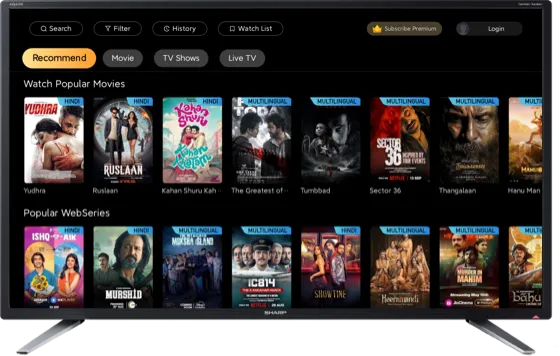
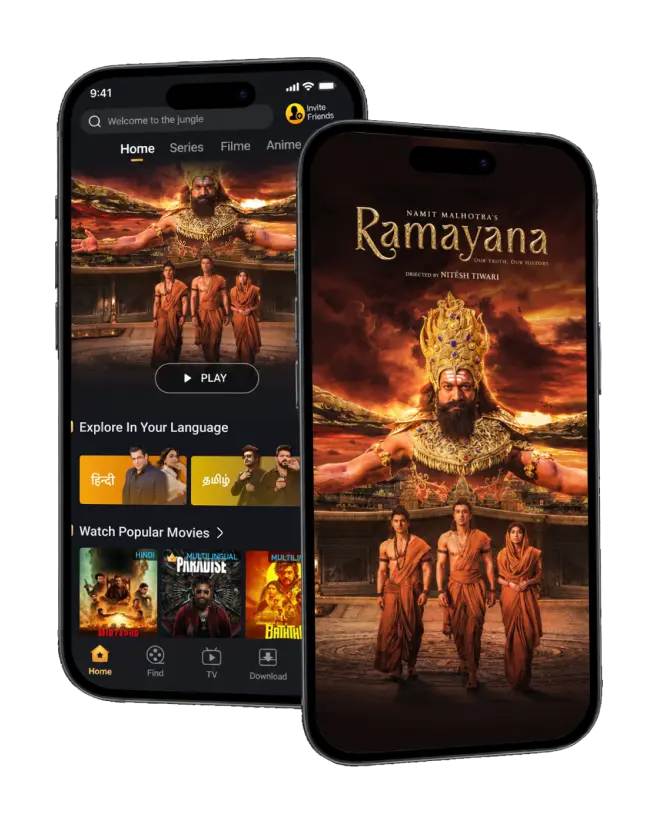
Three steps to get started.
Open the download page on your device.
Choose the version for your phone or your TV.
Follow the on-screen prompts to install and open the app.
Install on your phone or TV
One page serves both builds: the phone APK for Android handsets and the TV APK for Android TV. Choose the file that matches the screen you watch on, install it, then open the app and sign in. Title and channel availability can differ by device and region, so check what appears in your account after the first launch.
Why the file is an APK
This app is installed from an APK rather than a store listing. Take the file only from this page, read the permission prompts, and keep your device's security settings enabled. A direct file lets you choose the phone or TV build that fits your screen.
Availability varies by region
Titles, channels and languages can differ from one region to another. If something is missing, check the category listings in the app and try again later. The site describes features in general terms rather than promising a specific catalogue.
Frequently asked questions
- Can I watch offline?
- Yes. Save a title while you're online, then play it from Downloads with no connection. Not every title can be saved — look for the download option in the app.
- Why is the app installed from an APK?
- The app is distributed as an APK, so you can install it directly on a supported Android device. Use the download link on this page, review the permissions shown during installation, and keep your device's security settings on.
- Why can I not save a title offline?
- Offline saving depends on the title, region and app version. Look for the download control in the player. Saved titles stay inside the app and are tied to the device they were downloaded on.