

Help
Help and support
Quick answers to common questions.
If playback is slow, check your connection or try again later. If a title is missing, availability may differ by region. For anything else, use the contact page to reach support.
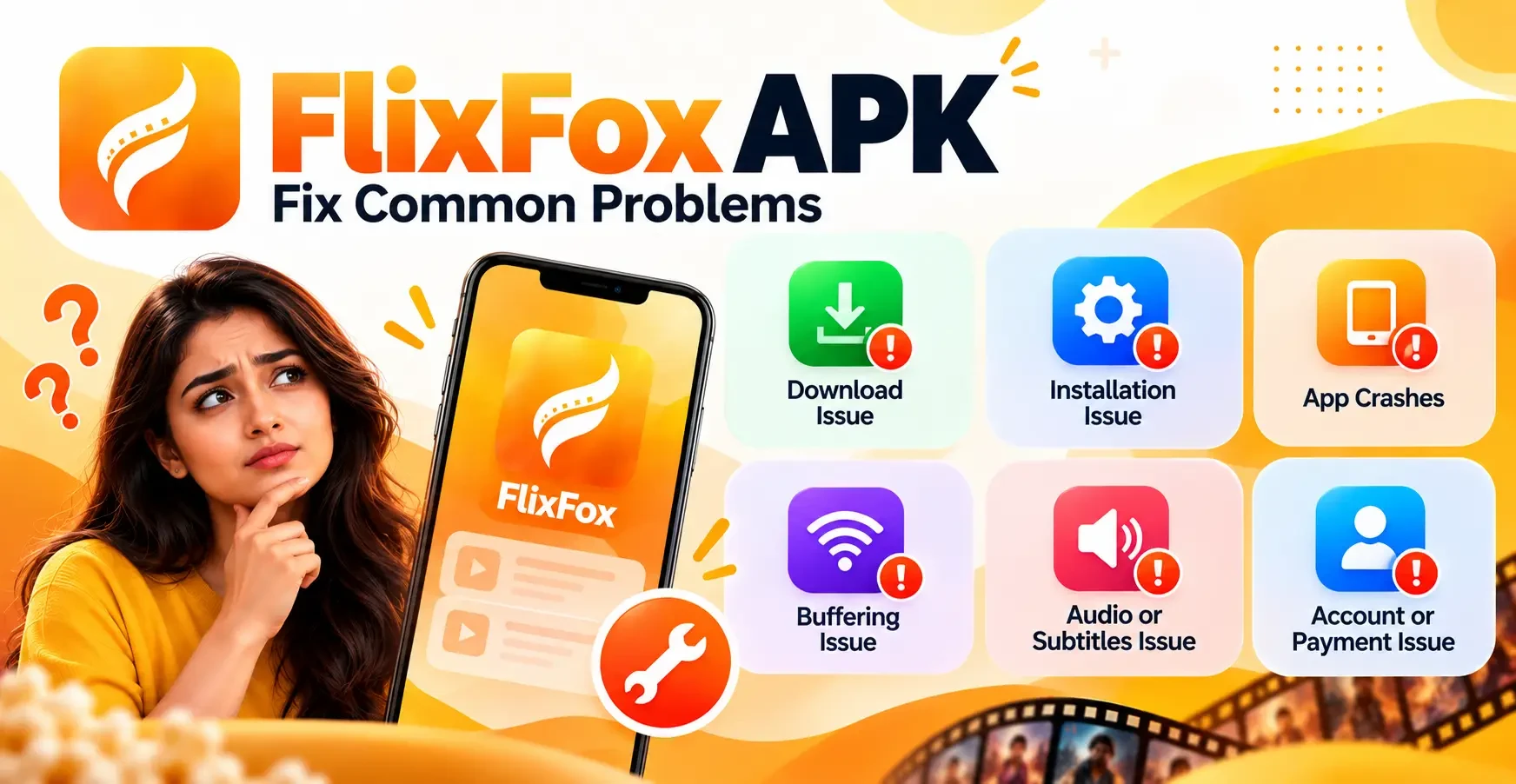
If playback stutters, start with the network.
A weak connection is the usual cause; the app lowers resolution so playback keeps going, and a stable network brings the sharper picture back. Retry the title, or reopen it from Home, if the spinner stays.
When a title or a download is missing.
Catalogue, channels and offline rights differ by region and by account, so a title seen on one device may not appear on another. If a download stops, check free storage and the storage permission, then start it again from the Download tab.
When playback needs attention
Start with your connection and try a different title. If the picture quality drops, the player is likely adapting to the network. Live channels and subtitles can vary by region; check the player settings before reinstalling.
Family settings
The app includes controls that can limit mature content. Look in settings to adjust them for your household. If a restriction appears unexpectedly, check that you installed from this page and review the settings in the app.
Frequently asked questions
- Can I watch offline?
- Yes. Save a title while you're online, then play it from Downloads with no connection. Not every title can be saved — look for the download option in the app.
- Why does the picture quality change?
- The app adjusts quality to your connection so playback keeps going instead of stalling. A stable connection gives the clearest picture, and you can pick available quality options in the player.
- How do I get the latest version?
- Come back to this page and use Download to get the current file, then install it over your existing app. The Guide page covers setup step by step for phone and TV.
- Is it safe to install the app?
- Start with the official Download button here, check the permissions the app requests, and keep your device's security settings on. Avoid modified files from other sites — they can carry extra risks.
- What should I check when a video will not play?
- Try another title, check your connection and restart the app. When picture quality drops, the player may be adapting to a slower network. Live channels and subtitles can vary by region.
- I cannot sign in. What can I check?
- Use the same sign-in method as before and try password recovery if you registered with email. Sign-in options and account features can differ by region.