

Smart search
Find titles by name, genre or language in seconds.
FlixFox
Stream, save, or watch on TV — no subscription to start.
Use the official download link on this page and check the app's permissions before installing.
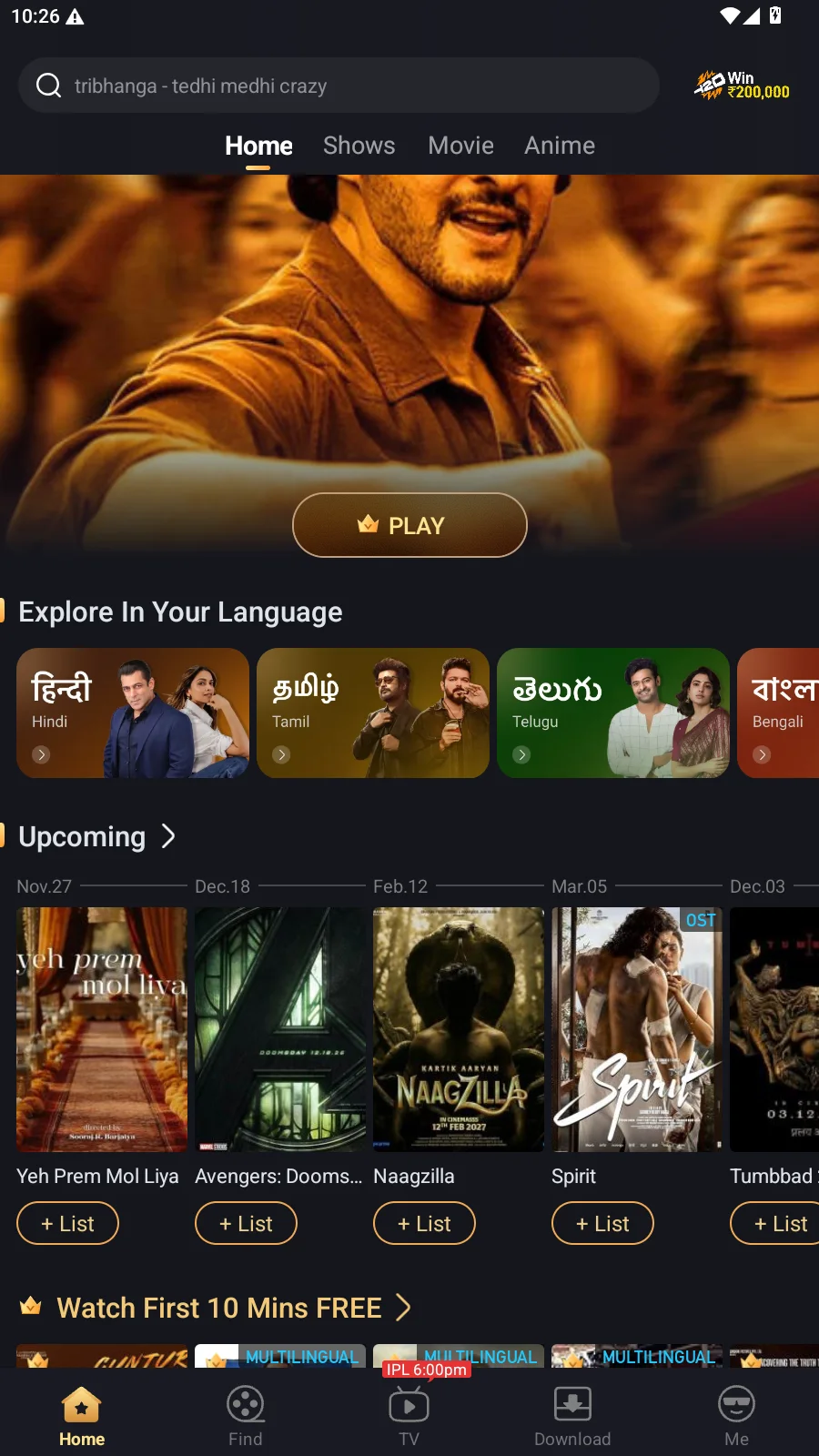
Find what you want, then watch it where you want.
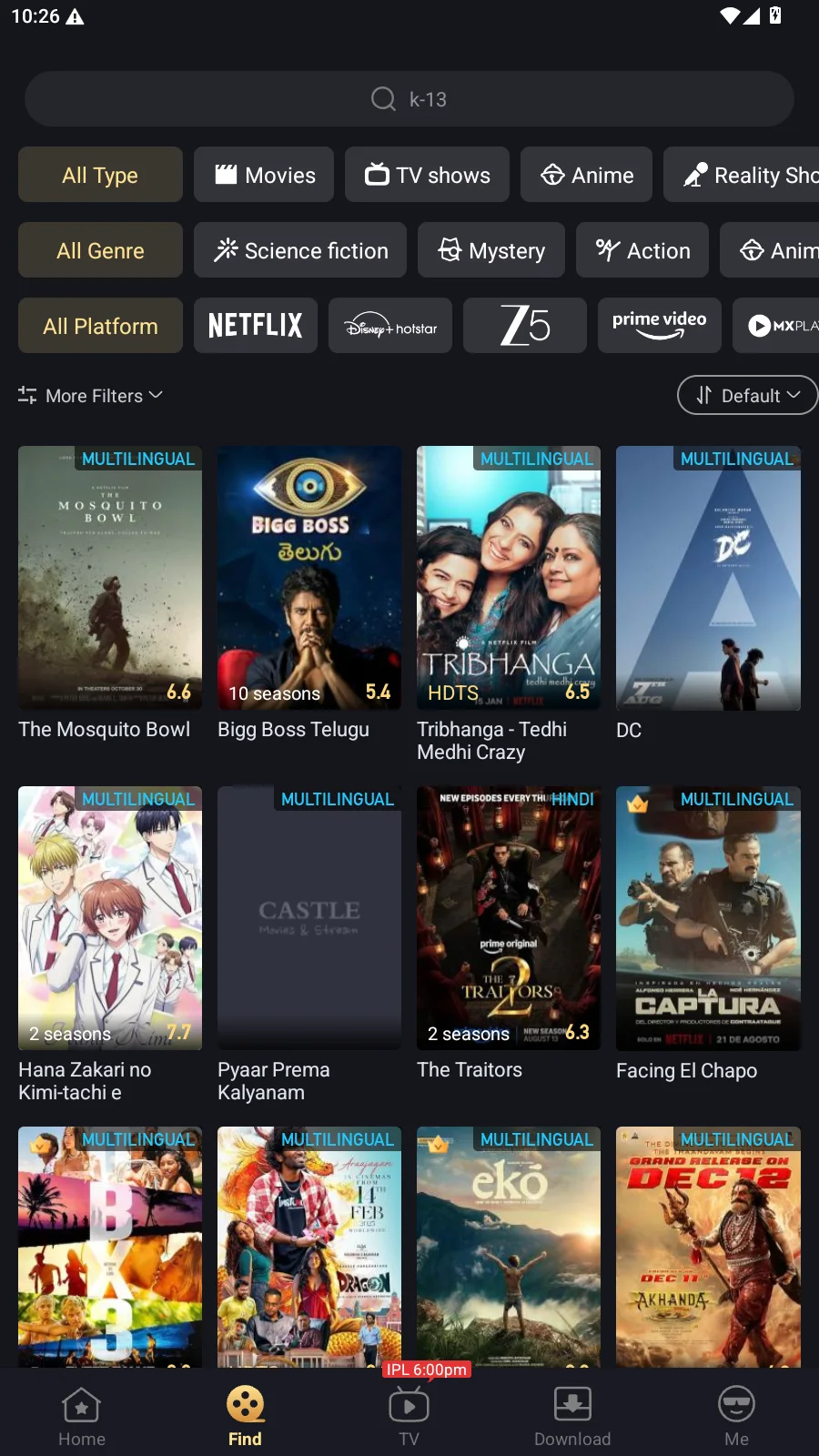
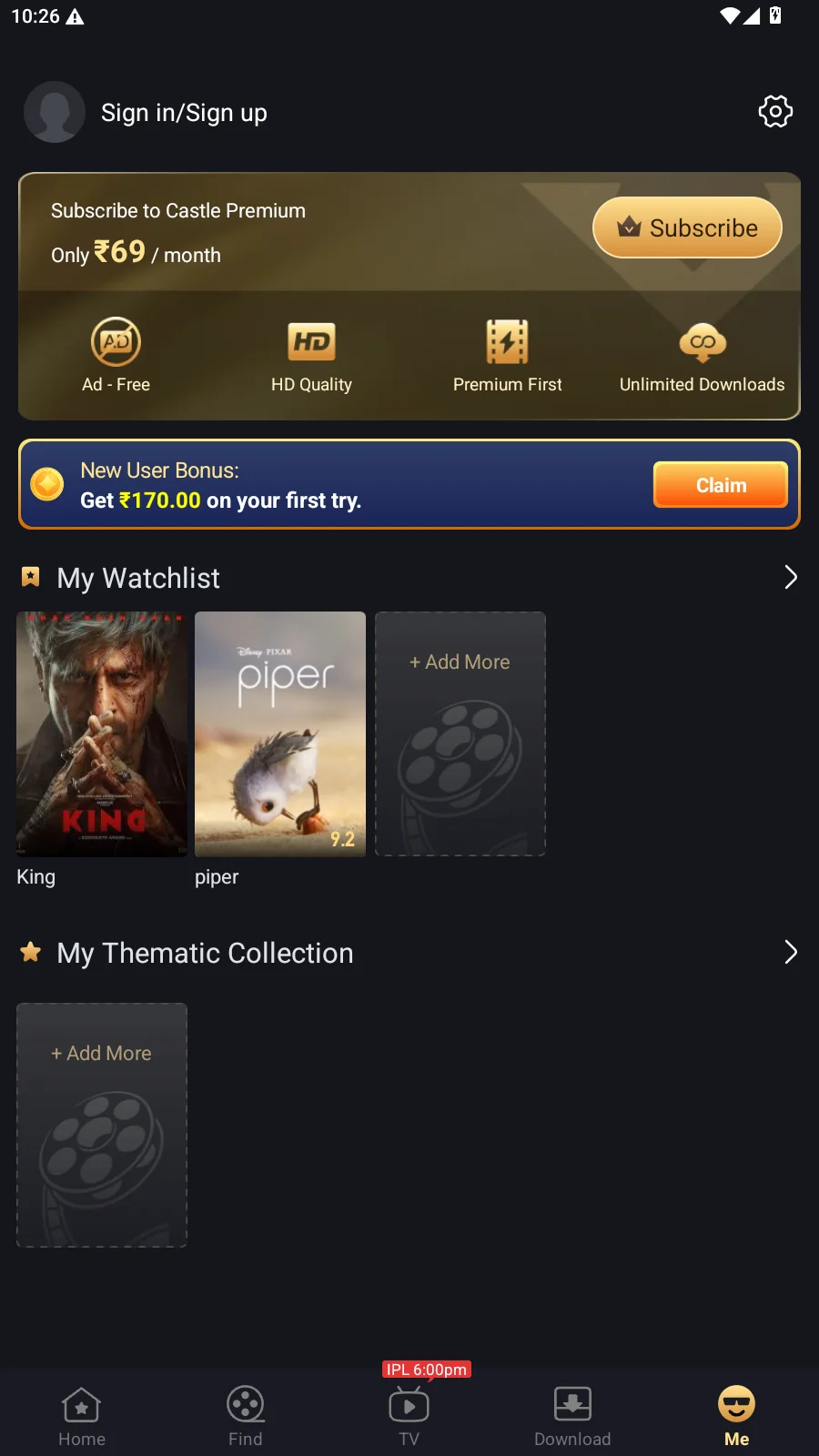
One app for the entertainment you already love.
FlixFox brings movies, shows and live channels into one simple, searchable place. No subscription needed to start. Availability may vary by title and region.
Everything you need to find, play and keep what you love.
Find titles by name, genre or language in seconds.
Video quality adapts to your connection to reduce buffering.
Choose available subtitle and audio languages for each title.
Save titles to your device and watch without a connection.
Browse live TV by category and language.
Keep a watchlist and pick up where you left off.
A small app that starts quickly and runs smoothly.
Use it on your phone or on a bigger screen at home.
Guide
Three simple steps to start watching in your own language.
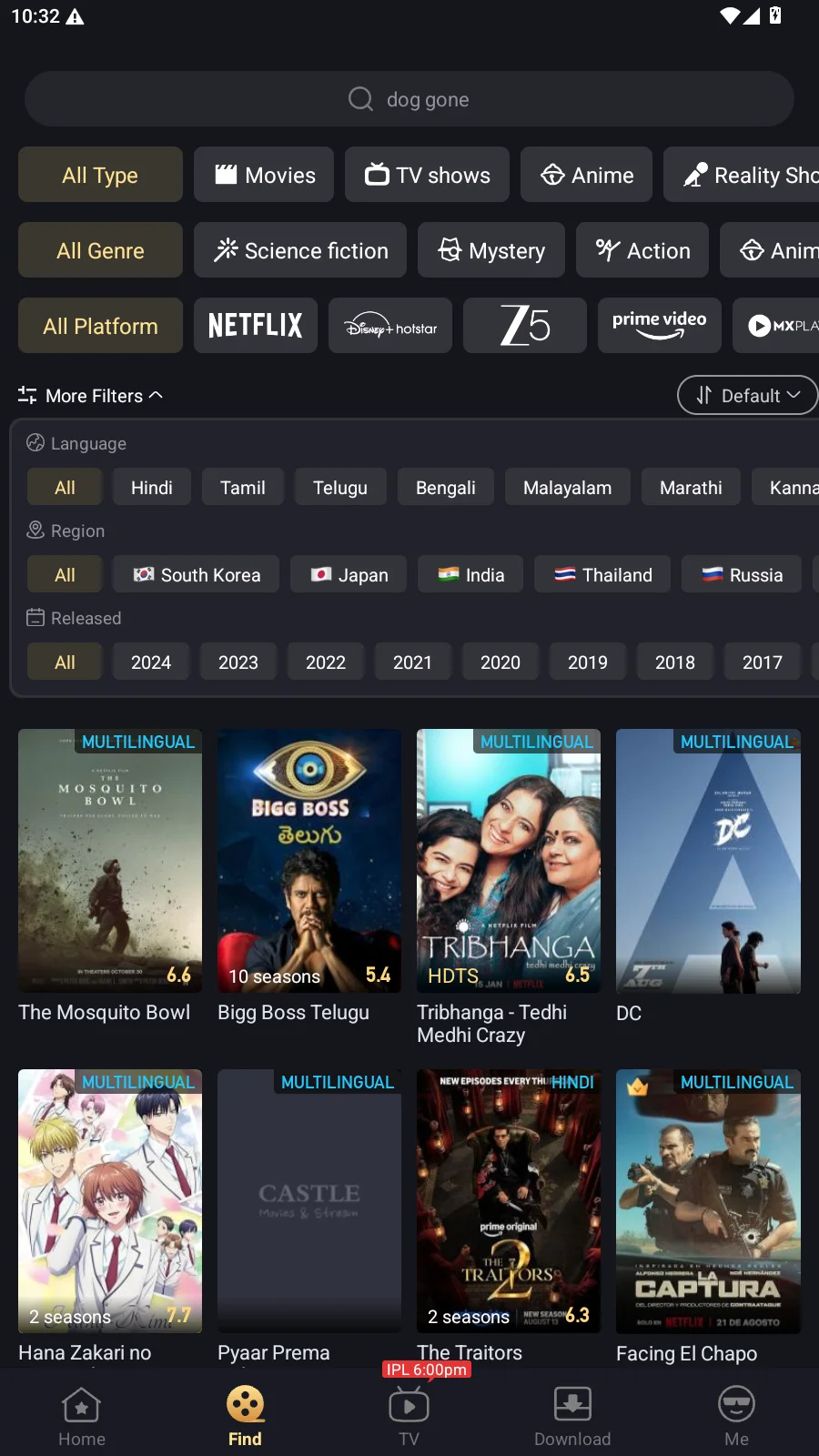
Browse shows, movies and anime, then save what you want to watch later. Your downloads stay ready on your device.
Use search and filters to find titles by type, genre or language. Follow the on-screen steps from install to playback.
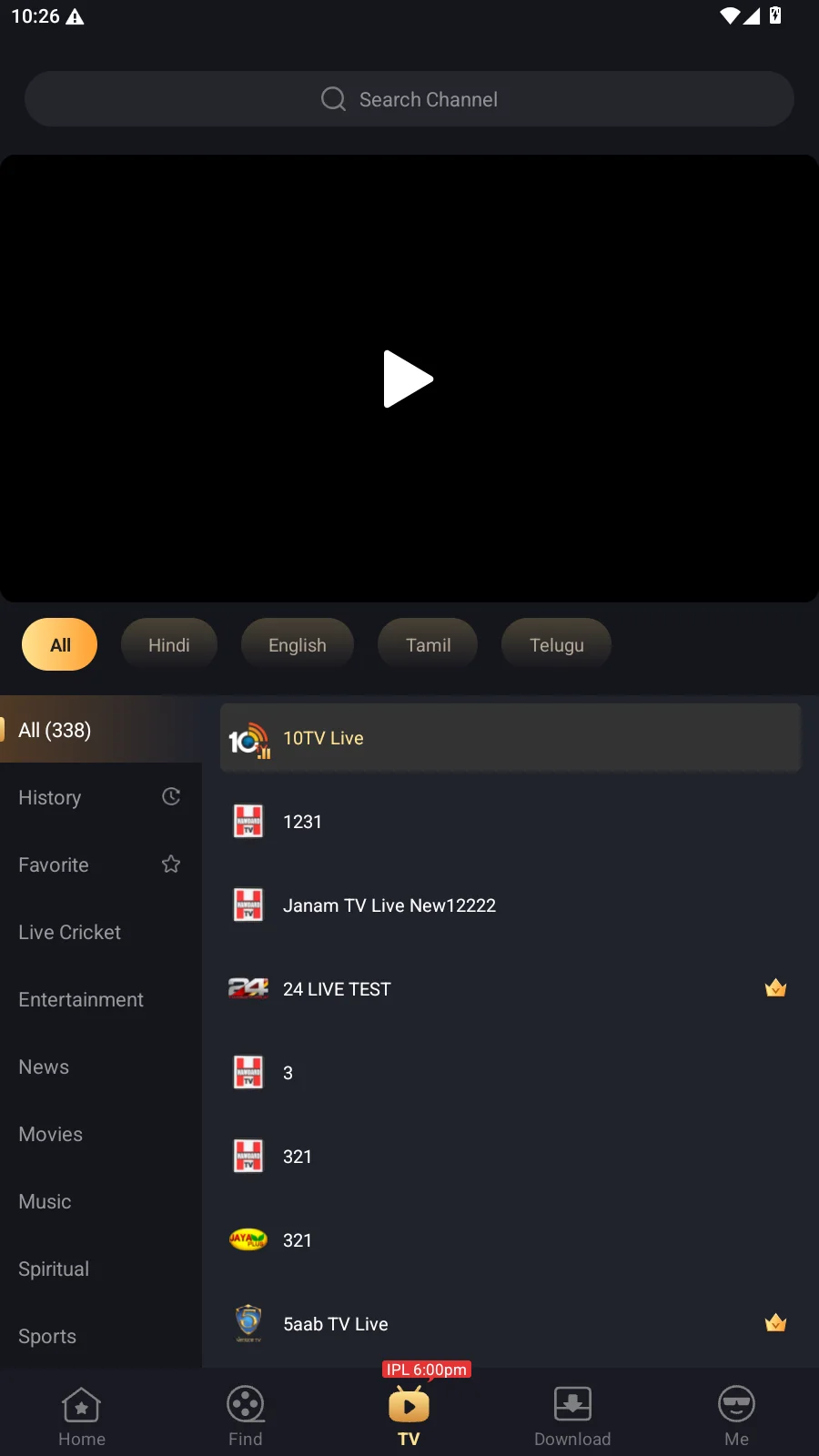
Open the TV section for live channels grouped by category and language. Add favorites to get back to them quickly.
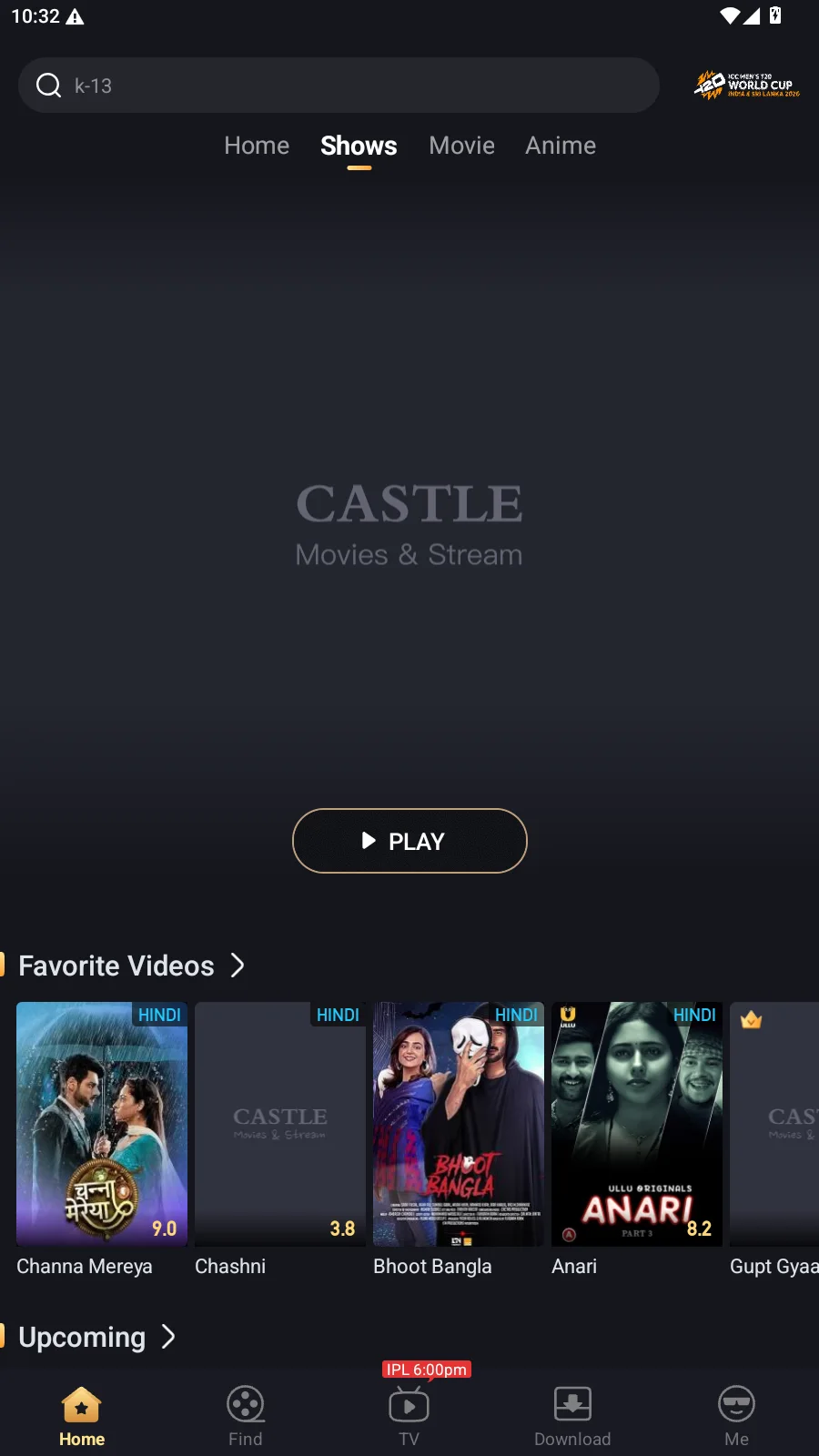
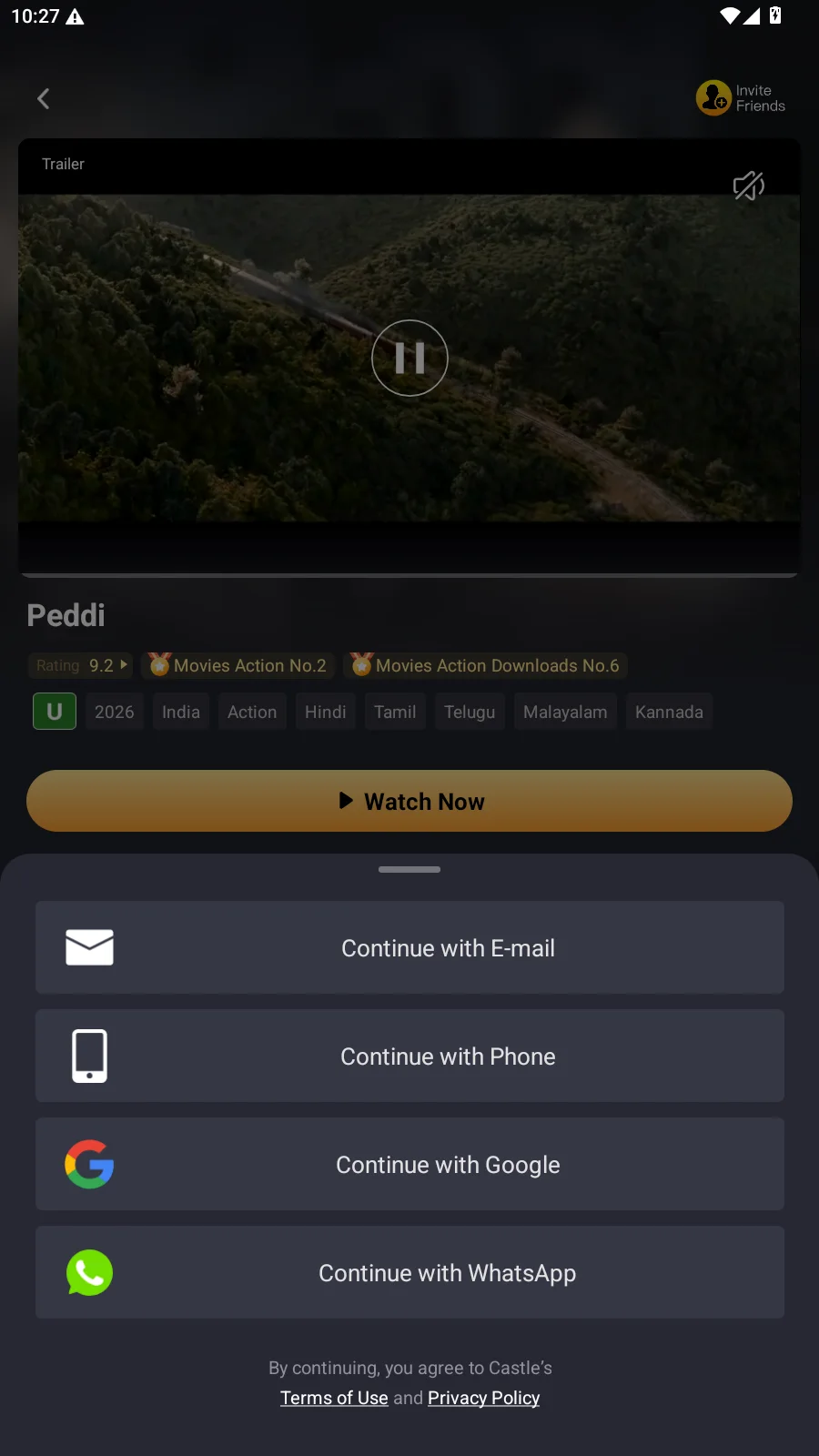
Real screenshots of the app before you install: home, browsing and live TV.
PC
Use the same app on a computer, or switch to the TV build for the big screen.
Something for every mood and every moment.
Explore films across genres, from new picks to old favorites.
Follow episodes and continue watching anytime.
Tune into channels grouped by category and language.
Find animation and family picks for all ages.
Invite friends
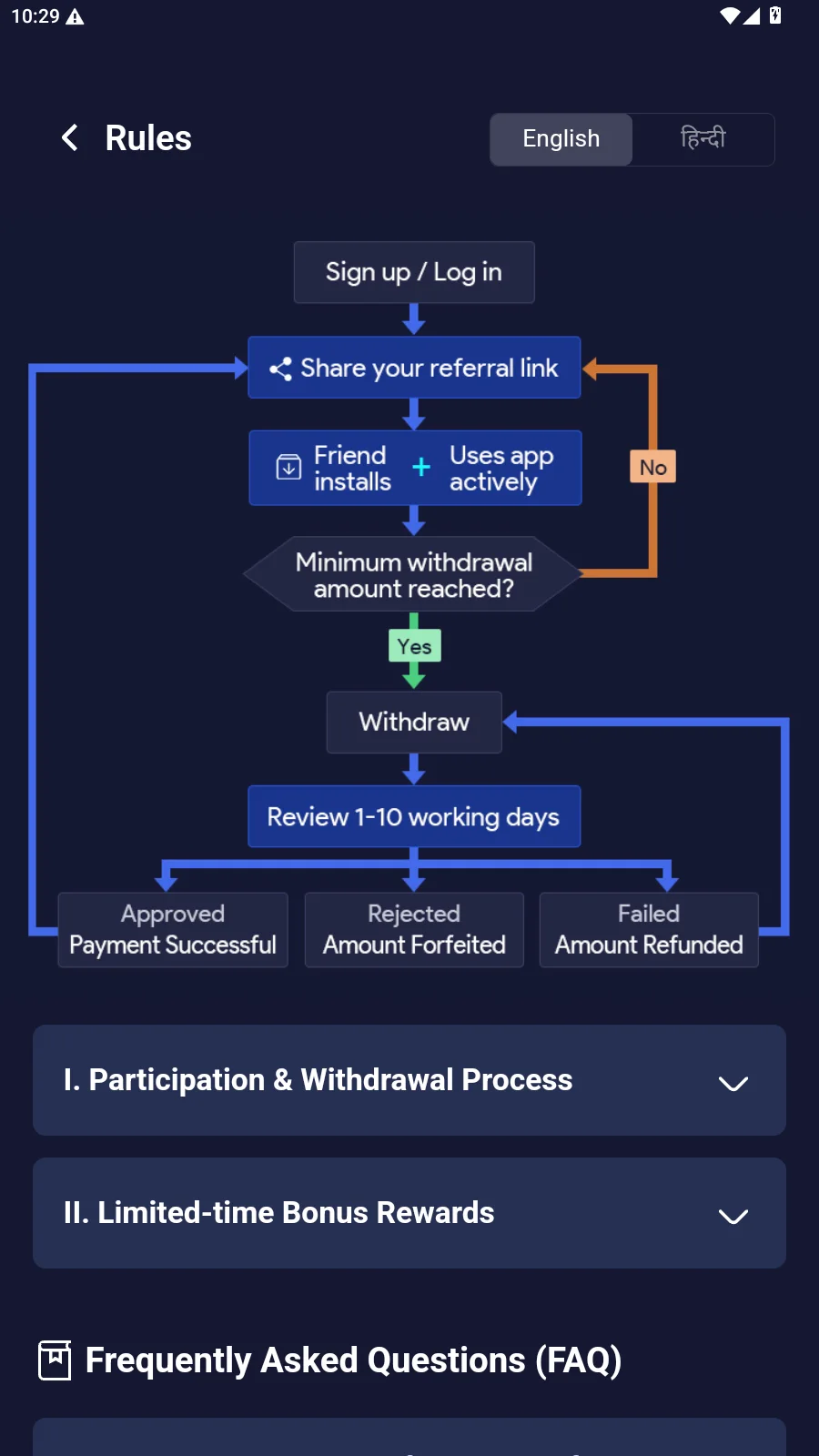
Send an invite from the app. Any reward depends on the current offer for your account and region, and may change over time.
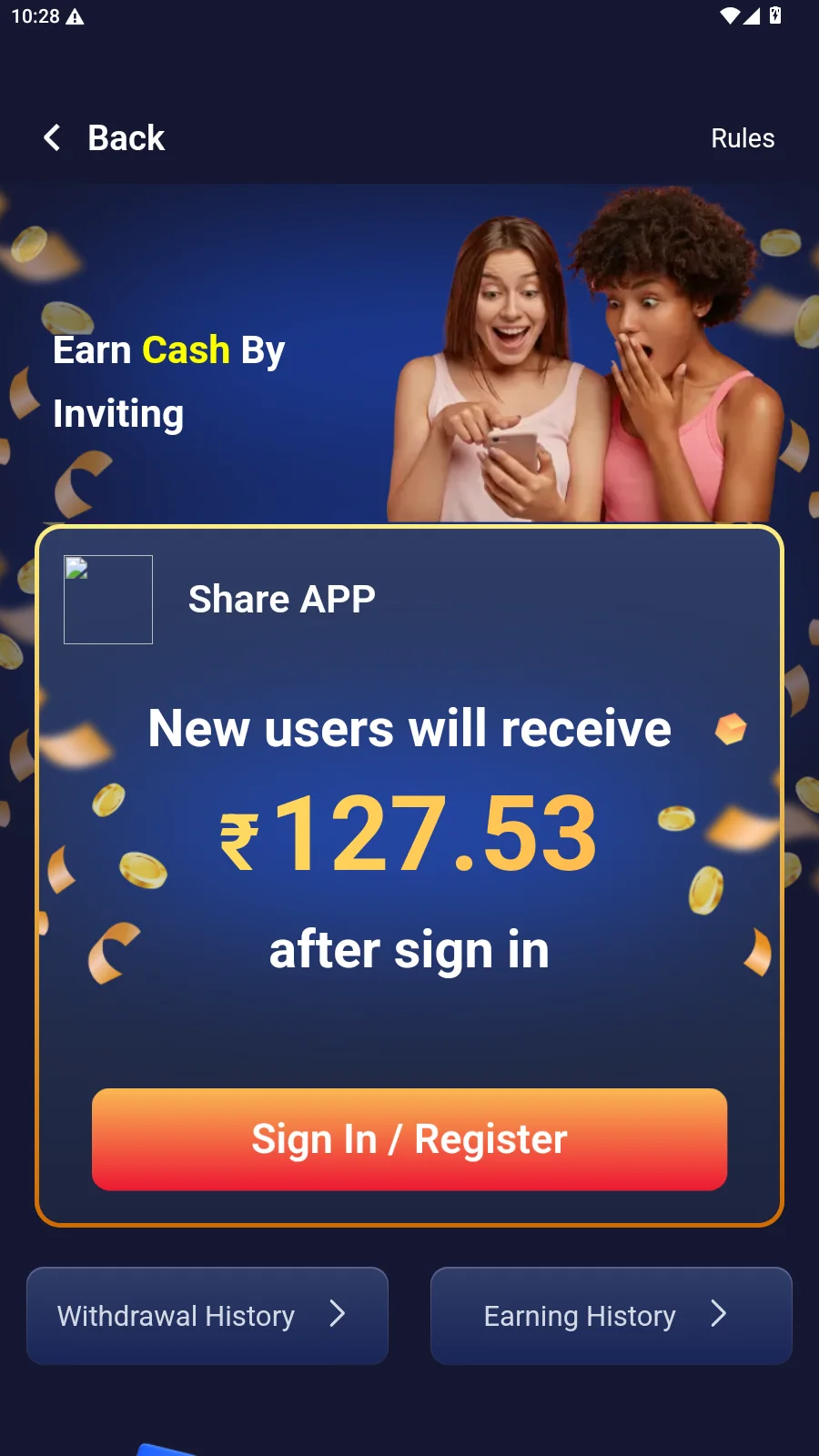
Open the invite page in the app.
Copy or share your invite link.
Your friend installs through the link; any reward follows the current offer rules.
Offers, eligibility and limits vary by account and region. Check the in-app invite page for current terms.
Rewards
Watch eligible movies and shows, complete in-app tasks and check the app for available rewards.
Open a title, watch it in the app, and check the rewards section for available offers.
Eligible titles and tasks may differ by account and region.
Open the app to see current rewards, rules and availability.
Invite friends and watch eligible titles to unlock in-app rewards. Offers vary by account and region.
You can browse and play without signing in. Some features may ask you to sign in, and availability can vary by device and region.
Choose the device you want to use and follow the short setup steps.
Download from the official page, follow the guide to install, and check the safety notes before you update.
Get the installer from the official page for your device.
DownloadFollow the step-by-step guide to finish setup.
GuideCheck permissions and safety notes before installing.
SecurityUse official links only. Availability and features can differ by device and region.
Blog
Blog
How to check the source and permissions of an APK before you install it on Android.
Verify the APK before installingBlog
Browse titles, play videos and save what you like without signing in. Learn which optional areas may ask for an account.
Start watching without an accountBlog
Check the network, storage, partial files and install settings before you try another download.
When the APK download or install stopsBlog
See which titles and tasks may count, how to check your status, and why offers vary by account and region.
How watch rewards appear in the appBlog
Use search, categories and your watchlist to find movies, series, anime and live channels.
What to watch: finding titles in the appBlog
Find the invite option in the app, share your link, and check the current rules before you expect any reward.
Invite friends and share your linkBlog
A short walkthrough from your first install to playing a title.
Blog — Get startedBlog
What to check before and after you install.
Blog — GuideA simpler way to enjoy entertainment.
Start watching without a subscription.
Clear steps from download to first play.
Browse in the language you are most comfortable with.
Stream online or save for later, on the device you prefer.
FlixFox is a simple way to browse, play and keep a shortlist of entertainment. Use Download when you are ready, or read the guide for setup help.
Use official links only, review app permissions, and follow local rules. For questions, see Help or Frequently asked questions.
Help
Straight answers about downloads, devices, safety and playback.
One app for movies, shows and live channels. Search by title, genre or language, keep a watchlist, and pick up right where you left off.
Tap Download on this page, install the file, and open the app. The Guide page walks you through setup on your phone or TV. Use only the official links on this site.
Android phones and compatible Android TV devices. Choose the phone or TV download on this page; the PC page explains your options on a computer. Availability may vary by device and region.
Yes. Save a title while you're online, then play it from Downloads with no connection. Not every title can be saved — look for the download option in the app.
The app adjusts quality to your connection so playback keeps going instead of stalling. A stable connection gives the clearest picture, and you can pick available quality options in the player.
Start with the official Download button here, check the permissions the app requests, and keep your device's security settings on. Avoid modified files from other sites — they can carry extra risks.
Come back to this page and use Download to get the current file, then install it over your existing app. The Guide page covers setup step by step for phone and TV.
Yes — no subscription needed to start. Titles, channels and features may differ by region, and in-app rewards depend on your account.

