

Blog
Blog — Get started
A short walkthrough from your first install to playing a title.
Get started
Browse the app with search and filters, open a title to start playback, and use the watchlist to keep track of what you want to see next. Downloads are available for some titles so you can watch without a connection.
Install the app and look around.
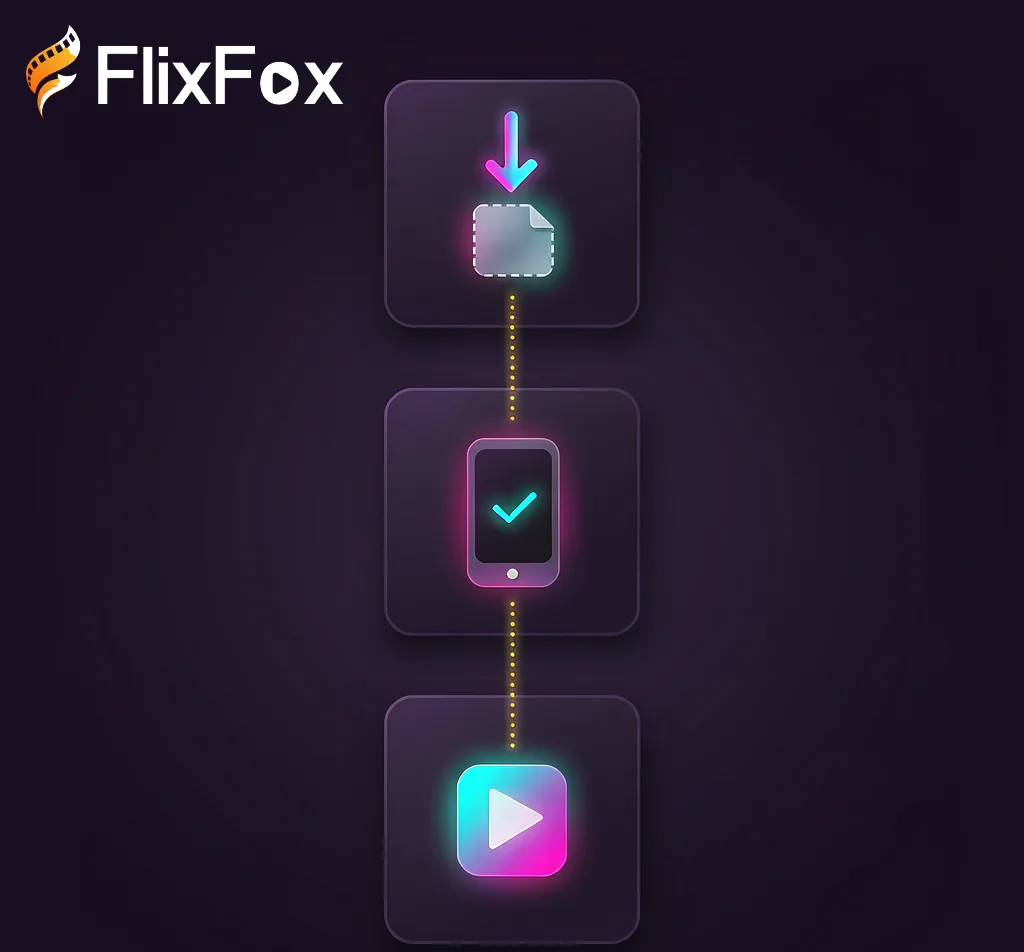
Open the download page on this site from your Android phone or Android TV, install the app, then launch it and let it finish starting. Use the search box or the top categories to browse movies, series, anime and live channels, and switch the app language if you prefer another one.
Save titles for later and watch offline.
Tap “+ List” on a title you want to revisit; it stays in your watchlist and resumes where you left off next time. In the Download tab you can save a title for offline viewing, so it opens even without a connection. An optional Premium subscription is offered for anyone who wants extra features.
What you can explore
Browse by category instead of scrolling a long list. Movies, series, anime, live channels and regional picks each have their own section, so you can start from a mood or a language. The exact mix changes by region and app version.
Keep a short watchlist
Save titles you want to see later with the list control in the app. Your list and playback position stay on the device, so you can continue where you left off. Removing the app can clear both.
Frequently asked questions
- Is it safe to install the app?
- Start with the official Download button here, check the permissions the app requests, and keep your device's security settings on. Avoid modified files from other sites — they can carry extra risks.