

TV
TV
Bring live channels to the big screen.
Channel availability can differ by region and device.
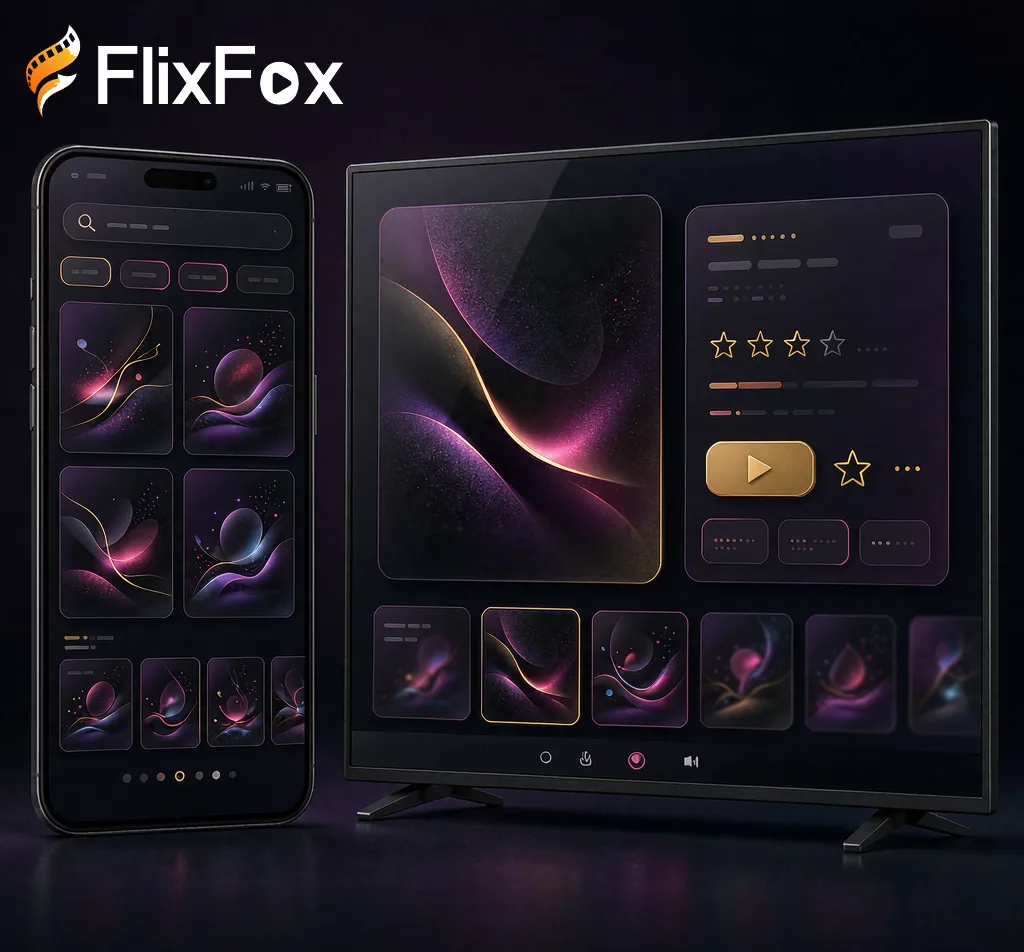
Browse by what you feel like watching.
Match the TV build to your device
Android TV devices take the TV APK from this page; a phone build installed on a TV will open but is designed for touch. After installing, open the TV section for live channels grouped by category and language, then add the ones you return to as favourites. Channel line-ups differ by region, so the list you see depends on where you are.
What the TV build adds
The TV build keeps the same catalogue and adds remote-friendly navigation: the TV section lists live channels by category and language, and favourites stay one row away. Subtitle and audio language options sit in the player, so you can switch them without leaving playback.
Pick the build for your screen
The phone build uses touch controls for phones and tablets. The TV build has a remote-friendly layout for Android TV devices. Choose the one that matches where you watch; features may differ between builds and regions.
Quality and data use
Playback adjusts to your connection to keep video running. If the picture softens on a slower network, you can choose a lower quality in the player to save data. A stable connection gives the most consistent result.
Frequently asked questions
- Which devices work?
- Android phones and compatible Android TV devices. Choose the phone or TV download on this page; the PC page explains your options on a computer. Availability may vary by device and region.
- How do I put the TV build on an Android TV device?
- Open the TV download from this page on the TV, or copy the file to a USB drive and open it with a file manager. Approve the install prompt, then launch the TV build.
- Why can I not save a title offline?
- Offline saving depends on the title, region and app version. Look for the download control in the player. Saved titles stay inside the app and are tied to the device they were downloaded on.