

Blog
Invite friends and share your link
Find the invite option in the app, share your link, and check the current rules before you expect any reward.
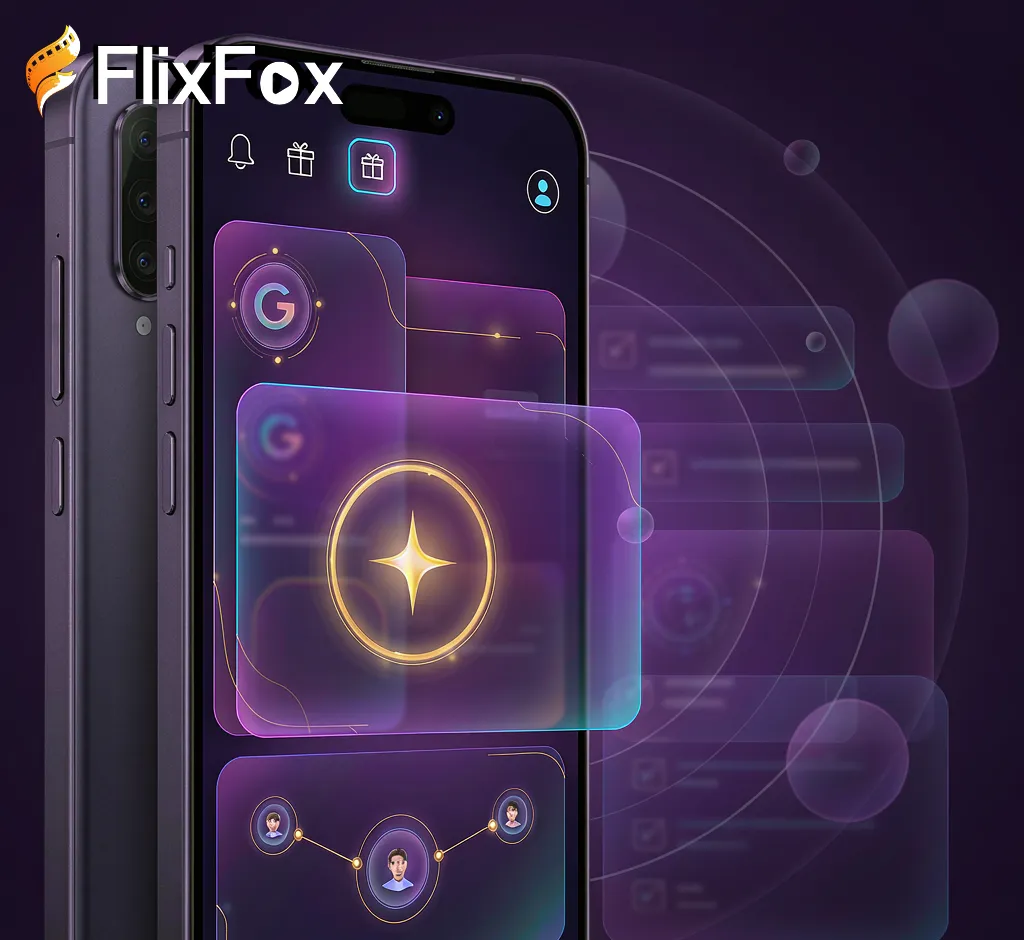
Find the invite option in the app
Open the app and look for the invite option in the account area. Copy your personal link and share it with a friend. The exact location of the option can differ with the layout of the app, so check the menus inside the app if you cannot find it.
Rewards depend on the app's rules
Rewards, if any, are shown inside the app and depend on your account and region. A friend joining does not by itself mean a reward is issued. Check the current conditions in the app before sharing, and use only the link shown there.
Open the invite entry in the app
Open the app and look for the invite entry, then read the Rules shown there before you share anything. The exact position of the entry can change with the app's layout, so check the menus inside the app if you cannot find it.
Check status in the rewards area
You can check your status in the in-app rewards area. A pending entry is not the same as an approved reward, and offers vary by account and region. No amounts are promised here.
Frequently asked questions
- Is FlixFox free to use?
- Yes — no subscription needed to start. Titles, channels and features may differ by region, and in-app rewards depend on your account.