

Blog
When the APK download or install stops
Check the network, storage, partial files and install settings before you try another download.
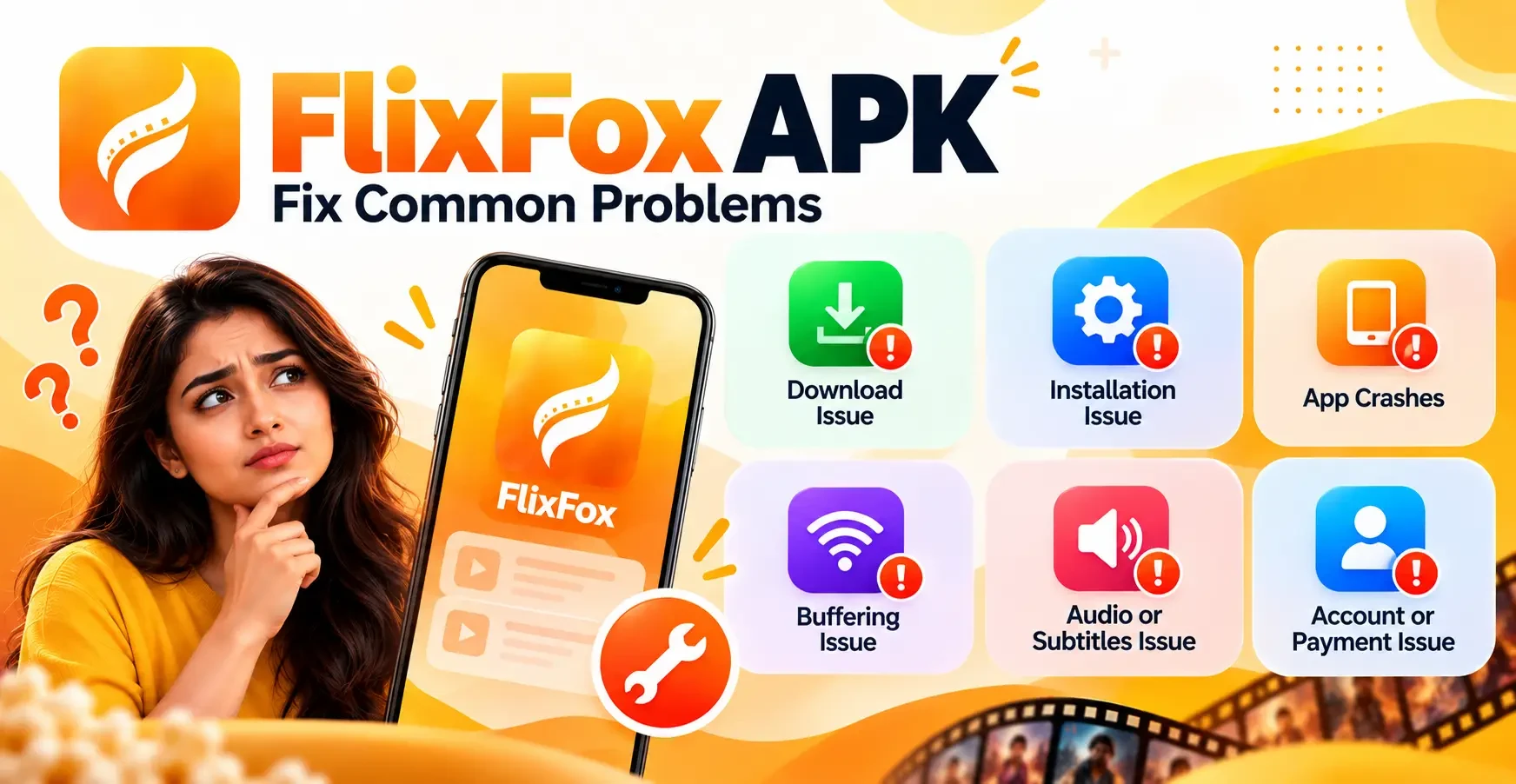
Check the file and connection
If the download stops or the file will not open, switch networks once, clear space on the device and remove any unfinished file. Open the download page on this site again and start with a fresh file.
Review install settings
Android may ask permission to install outside the usual app store. Allow it only for the browser or file manager you used, then turn the setting off after installation. If a message still appears, check the guide or contact support with your device model and the exact message.
How to use the app
Install the app from the download page, open it and use search or filters to find a title. Open a title to play it, and use the download option where available to watch later without a connection.
Safety and security
Download only from sources you trust, review the permissions an app requests, and keep your device updated. If you are unsure about a file, do not install it.
Frequently asked questions
- How do I download FlixFox?
- Tap Download on this page, install the file, and open the app. The Guide page walks you through setup on your phone or TV. Use only the official links on this site.
- Is it safe to install the app?
- Start with the official Download button here, check the permissions the app requests, and keep your device's security settings on. Avoid modified files from other sites — they can carry extra risks.